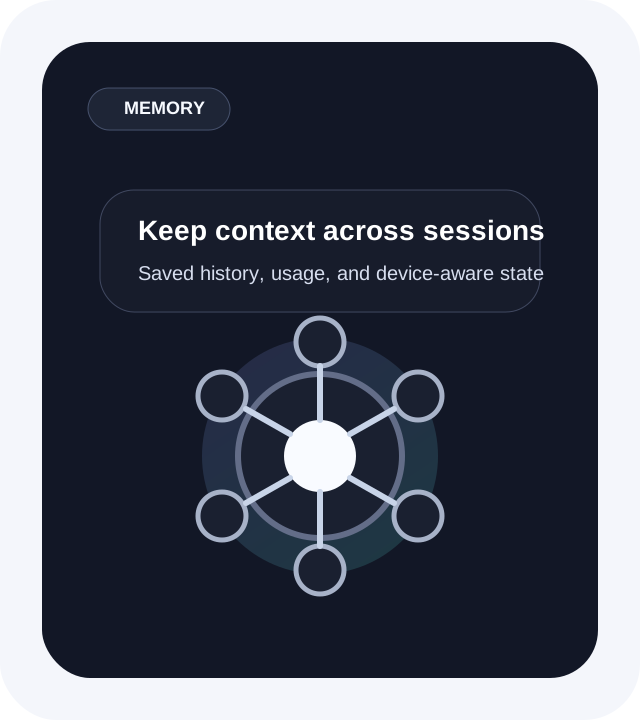

One Assistant That Sees
What You See
Use Sylica AI as a stealth cross-device assistant for meetings, browsing, research, work, and everyday tasks. It follows on-screen context and helps in real time.
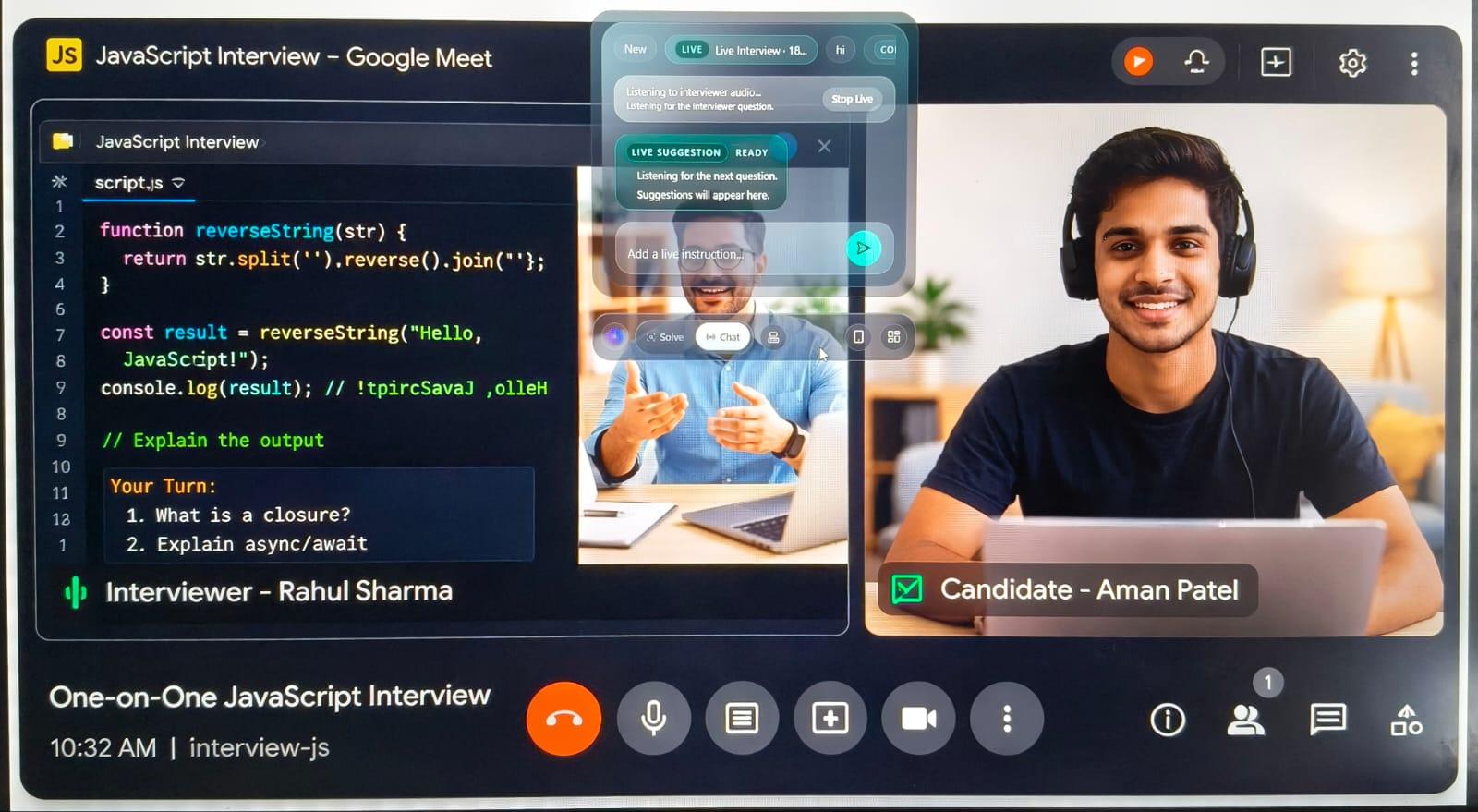
Why Choose Sylica AI?
Built for stealth help, screen-aware context, and cross-device workflows that feel closer to an everyday AGI assistant.
Core Sylica AI Features
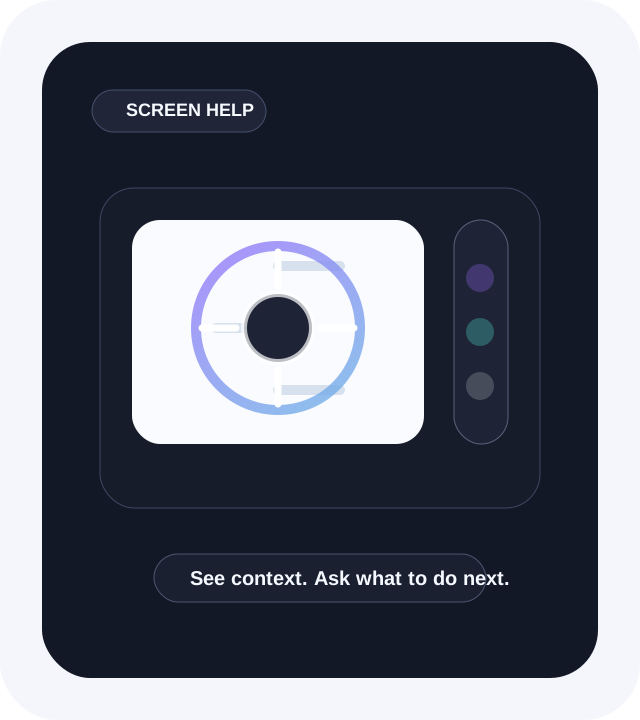
Screen understanding. Capture or reference what is on screen and turn it into guided help, next actions, or answers.
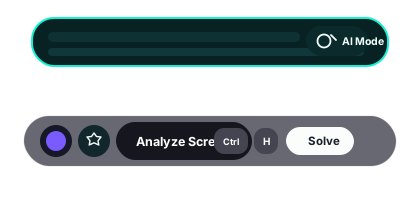
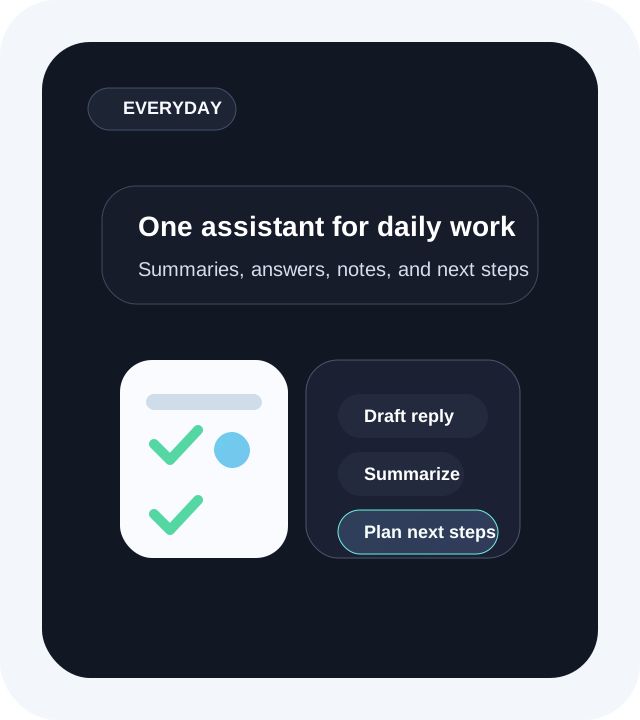
Follow-up help & guidance. Ask for next steps, summaries, explanations, or actions after the first response.
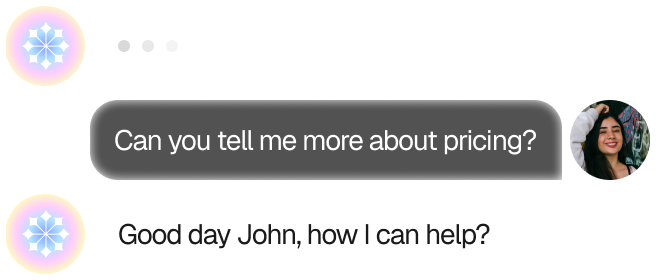
Meeting assistance. Let Sylica follow meetings, calls, and live discussions as they happen.
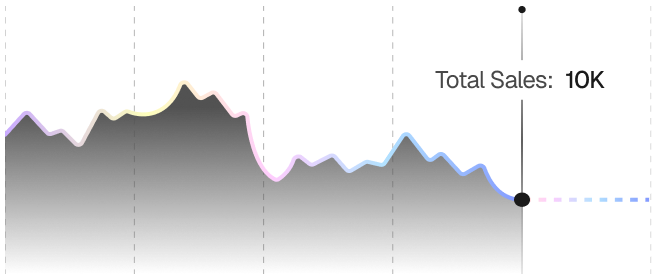
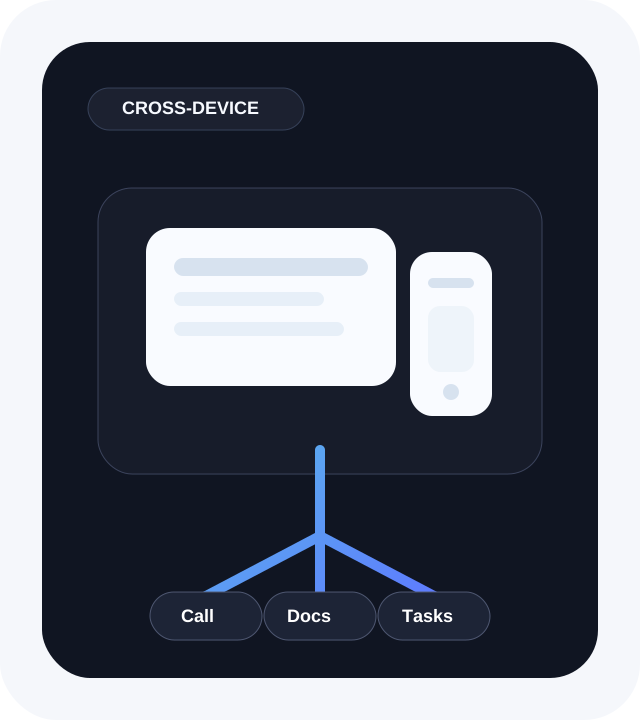
Cross-device workflows. Use Sylica across browsers, docs, tabs, and task flows when work moves beyond one window.
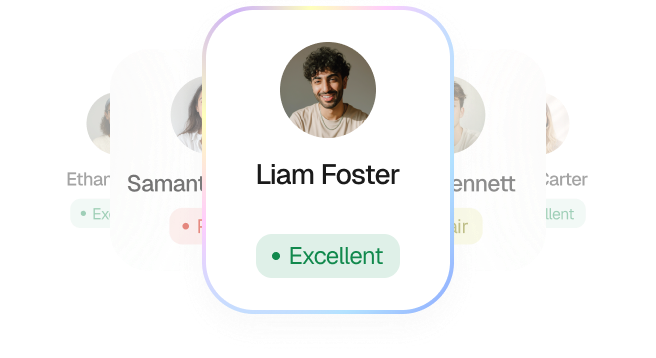
Account, billing & history. Track usage, manage plans, and keep chat history inside one desktop app.
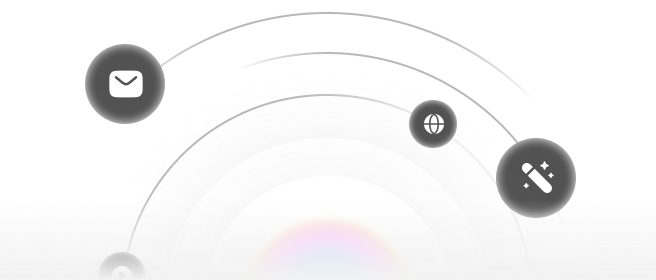


How Sylica AI Works
A simple flow for turning what you see into guidance, actions, and follow-ups.
Where Sylica AI Helps Most



Providers, Modes, and Workflow Tools














Sylica AI connects screenshots, chat threads, billing, and model providers inside one desktop workflow that stays fast and controlled.
How People Use Sylica AI

Sylica helps me capture what is on screen, get fast guidance, and stay focused on the task instead of repeating context across apps.

The free plan is enough for daily use. I can capture what is on screen, ask for help, and keep going without opening extra tools.
It feels closer to having one assistant across my desktop than juggling separate apps.


The shortcut flow is the reason I keep using it. Capture context, ask for help, and move on without losing the thread of the task.

Meeting assistance helps me keep context across follow-ups, notes, and screen changes.
I can stay in the same flow even when the conversation changes direction.


Switching between OpenAI, Gemini, Anthropic, and Together makes it easy to balance cost, speed, and model quality for different tasks.

The hosted app gets me running fast, and the paid plan is simple when I want unlimited use instead of worrying about daily limits.

The rollout stays controlled and practical. My team can get the onboarding, access setup, and workflow guidance we need without forcing a one-size-fits-all process.
That matters when the assistant has to fit existing tools and day-to-day work.
Choose the Plan That Fits Your Workflow
Start free with 10 daily requests, or unlock unlimited analysis, voice, computer use, and multi-device workflows for $10/month.
Built Around Real Everyday Workflows